
Cinematic Landing Pages
with video backgrounds.
A complete 2026 guide to looping video heroes — technical anatomy, file size budgets, mobile autoplay rules, prefers-reduced-motion handling, and 12 examples you can launch as a template.
A cinematic landing page in 2026 starts with a muted, autoplay, looping MP4 in the hero. The technical recipe: ≤ 4MB, 1920×1080, H.264, attributes muted autoplay loop playsinline, a bottom mask-gradient, and a poster fallback for prefers-reduced-motion: reduce. The 12 premium templates below bake all of that in, so you can ship one in 5 minutes — no ffmpeg required.
Why looping-video heroes dominate 2026 design
Atmosphere instantly
Static images establish a vibe. Looping video establishes a world. The hero stops feeling like a webpage and starts feeling like a brand film.
Differentiation by default
Most competitors still ship static hero images. A muted MP4 looping in your hero is the cheapest way to look more expensive than them.
Higher dwell time
Visitors instinctively wait for the video to loop. That extra 2–4 seconds on the page raises engagement signals — and gives your headline time to land.
Built for dark interfaces
Cinematic video pairs naturally with dark canvases, italic headlines, and liquid-glass UI. The 2026 design language is video-first.
The technical anatomy of a great video hero
1. Aspect & dimensions
Shoot or render at 1920×1080 (or 2560×1440 for retina). For square heroes, 1080×1080 is plenty. Don't ship 4K — it's invisible at hero scale and triples your file size.
2. Codec & format
H.264 MP4 for universal support. Optionally a WebM/VP9 source for browsers that support it (smaller file). HEVC if you want to ship Safari-only and shave another 30%.
3. File size budget
≤ 4MB for desktop, ≤ 2MB for mobile. Anything bigger and you'll regret it on mobile networks. Use ffmpeg with CRF 23–28 to compress without visible quality loss.
4. Required attributes
muted, autoplay, loop, playsinline. Without `muted`, browsers will refuse to autoplay. Without `playsinline`, iOS will go full-screen the moment it plays.
5. Mask gradient at the bottom
Use `mask-image: linear-gradient(to top, black 0%, transparent 45%)` to fade the video into the next section. No hard edge, no jarring transition.
6. Poster fallback
Always set `poster="..."` to a still frame. Shows while the video loads, and replaces the video entirely when `prefers-reduced-motion: reduce` is set.
7. Subtle blur overlay
Optional: a `backdrop-blur-xl` overlay on the lower 40% of the video, masked with a top-fading gradient. Reads as motion blur, makes text on top legible.
12 cinematic landing pages with video backgrounds
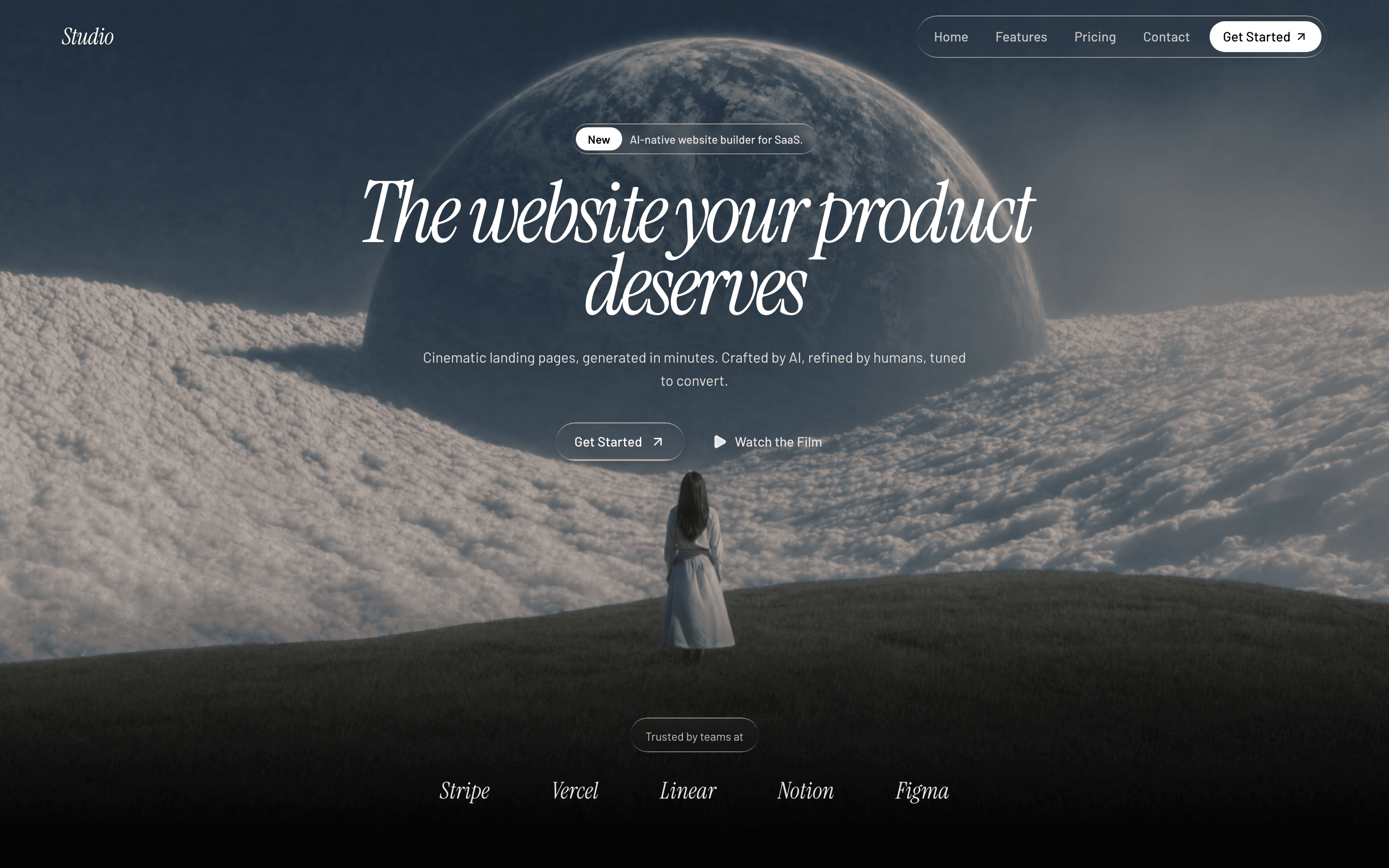
SaaS Noir
Premium AI/SaaS landing
The flagship cinematic hero — italic editorial headline over a muted, looping product video.
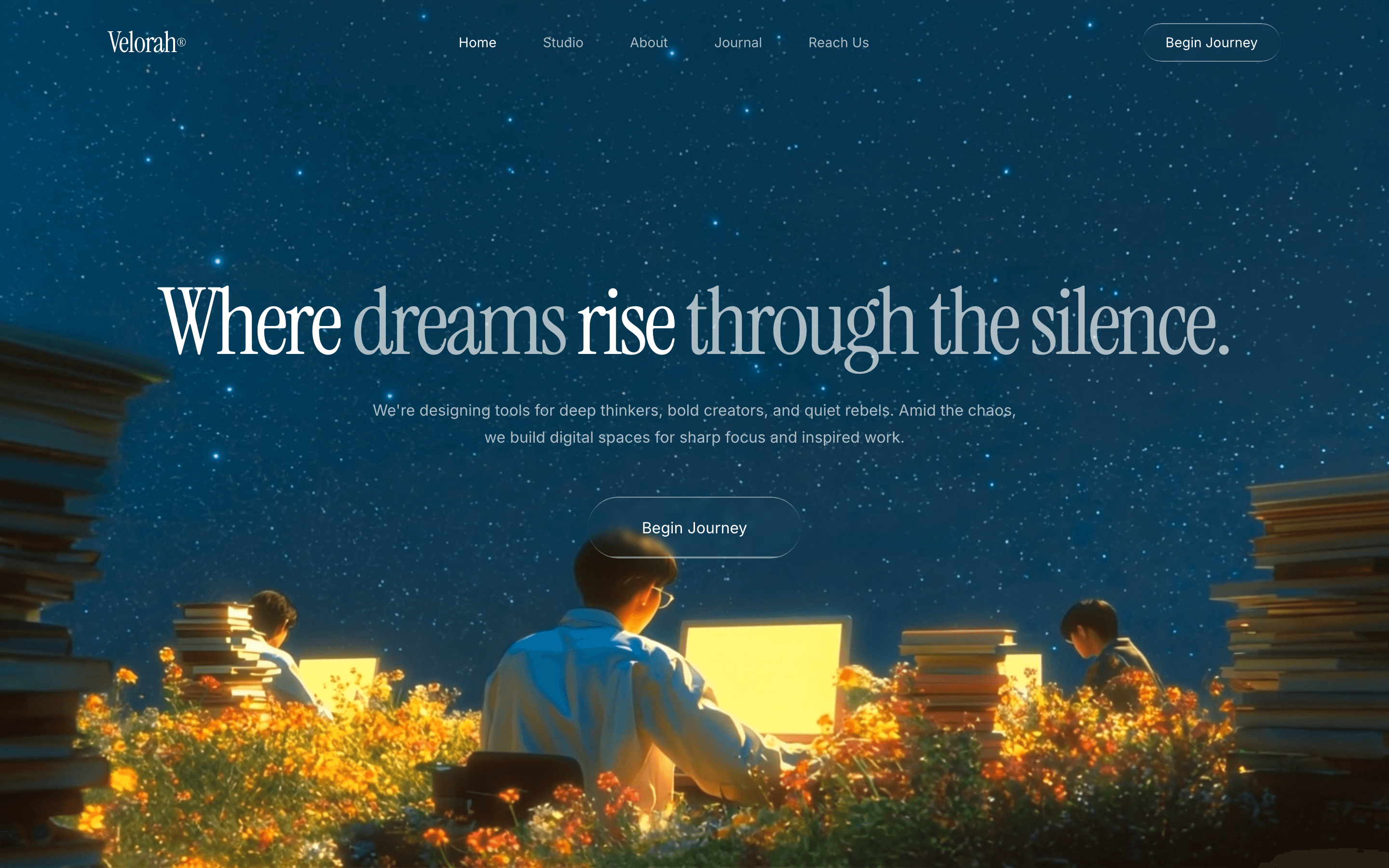
Velorah
Single-page cinematic launch
Fullscreen looping video on deep navy with glassmorphic navigation. The simplest, most cinematic single-screen hero.

Logoisum
Video editing agency
Cinematic agency-reel video hero on cream canvas. The hero is your reel.
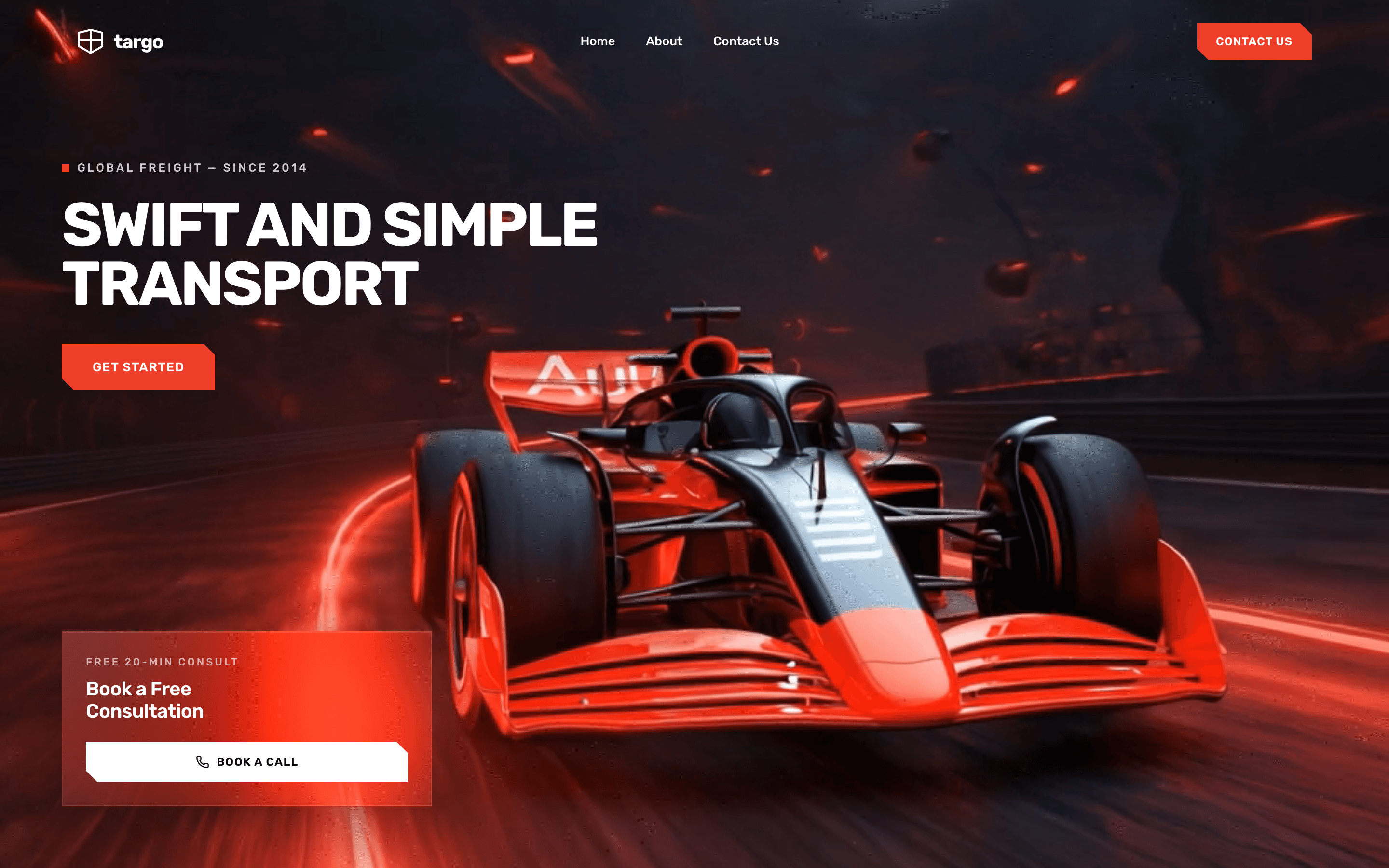
Targo
Logistics / freight
100% video, zero overlay. The video itself is the brand statement, with red clipped-corner CTAs layered on top.
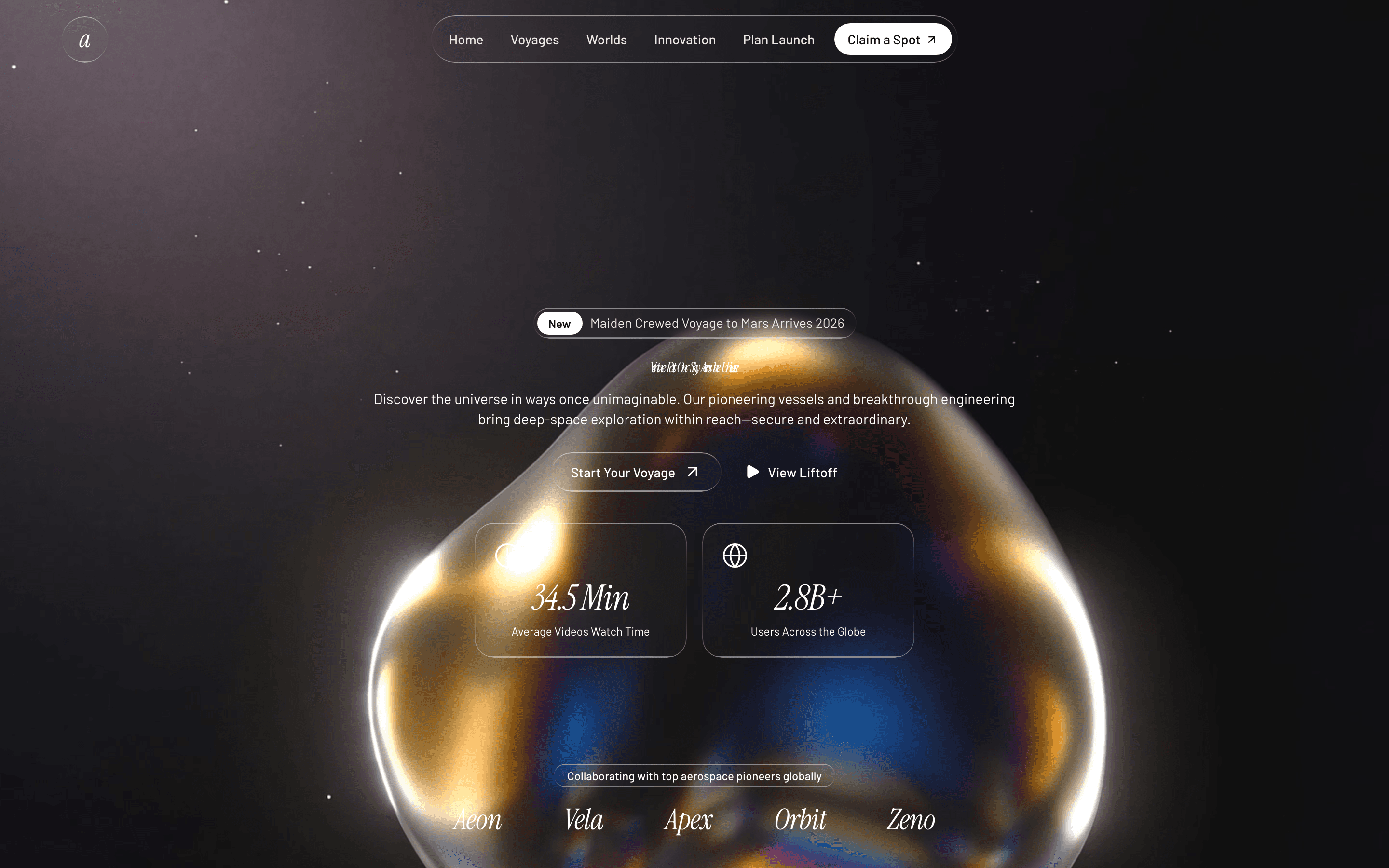
Cosmos
Space-travel landing
Multi-section cinematic video — hero loop, mid-page voyage manifest video, CTA HLS-streamed background.
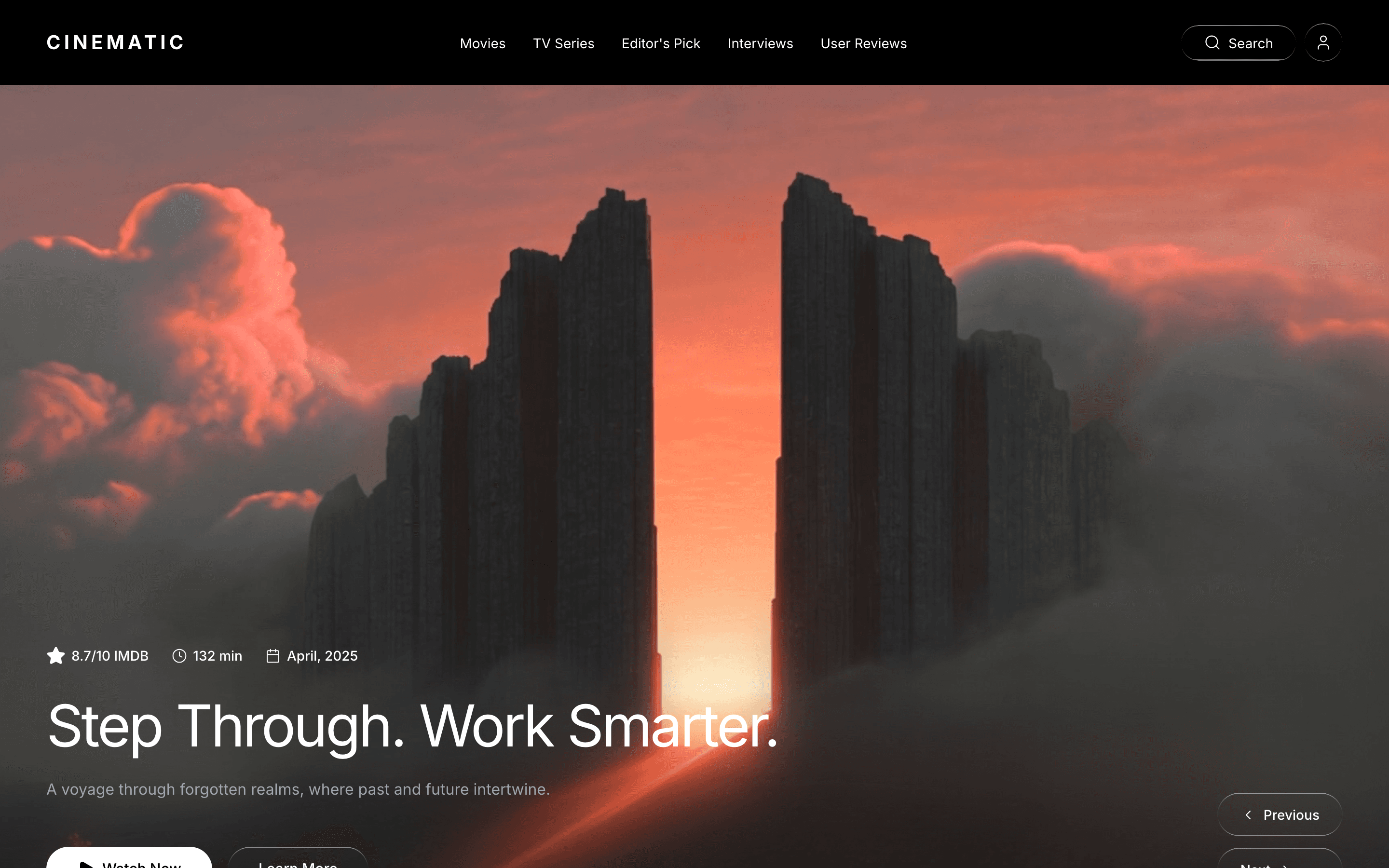
Cinematic
Streaming / movie platform
Photographic cinematic hero with bottom-aligned metadata, blur-fade-up entrances, mask-blurred video footer.
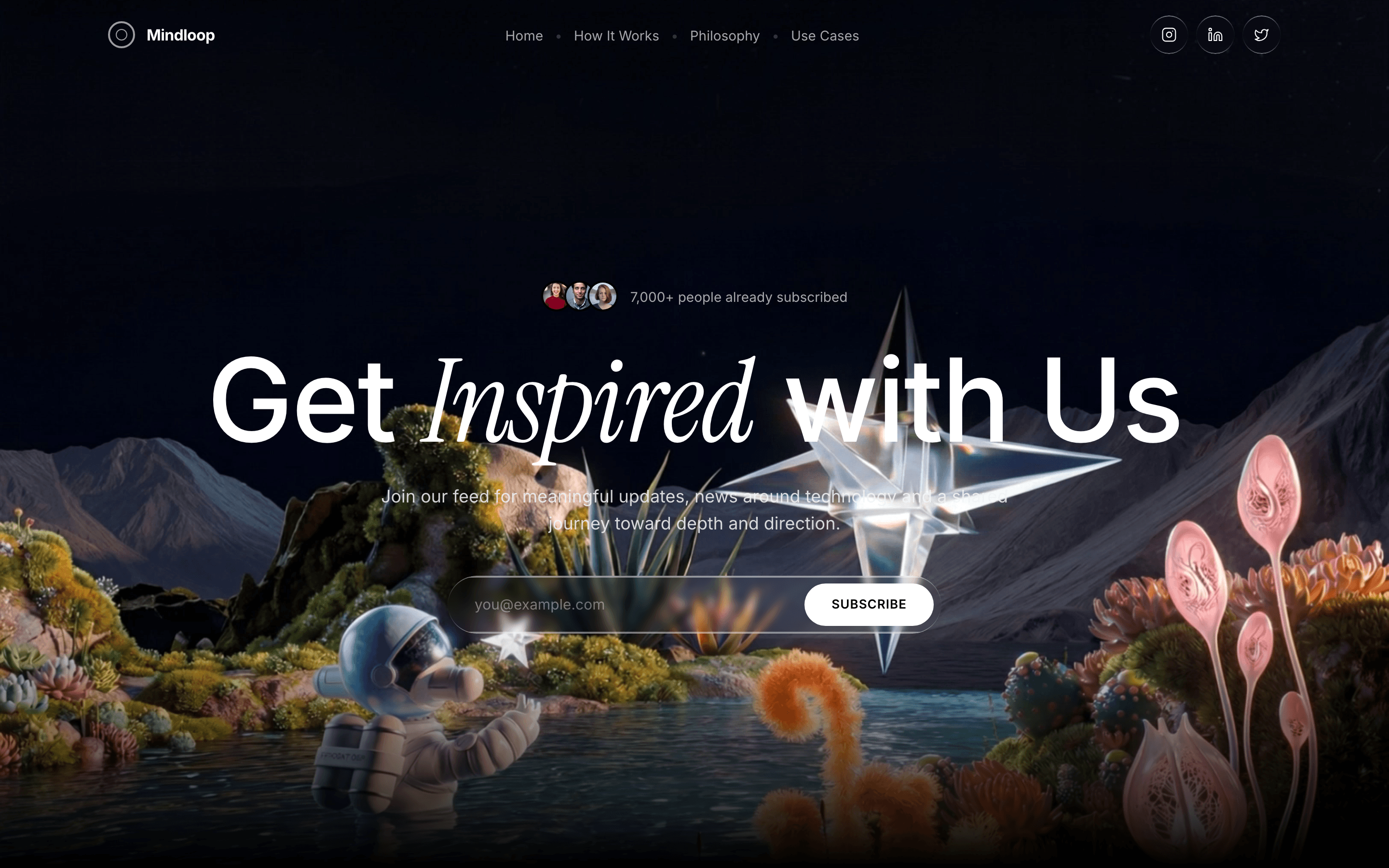
Mindloop
Newsletter platform
Three different looping videos across the page — hero, mission section, CTA HLS stream. All muted, all autoplay.

PowerAI
AI talent platform
JS-controlled fade loop — 0.5s fade-in at start, 0.5s fade-out at end, then replays from 0. Subtle, never jarring.
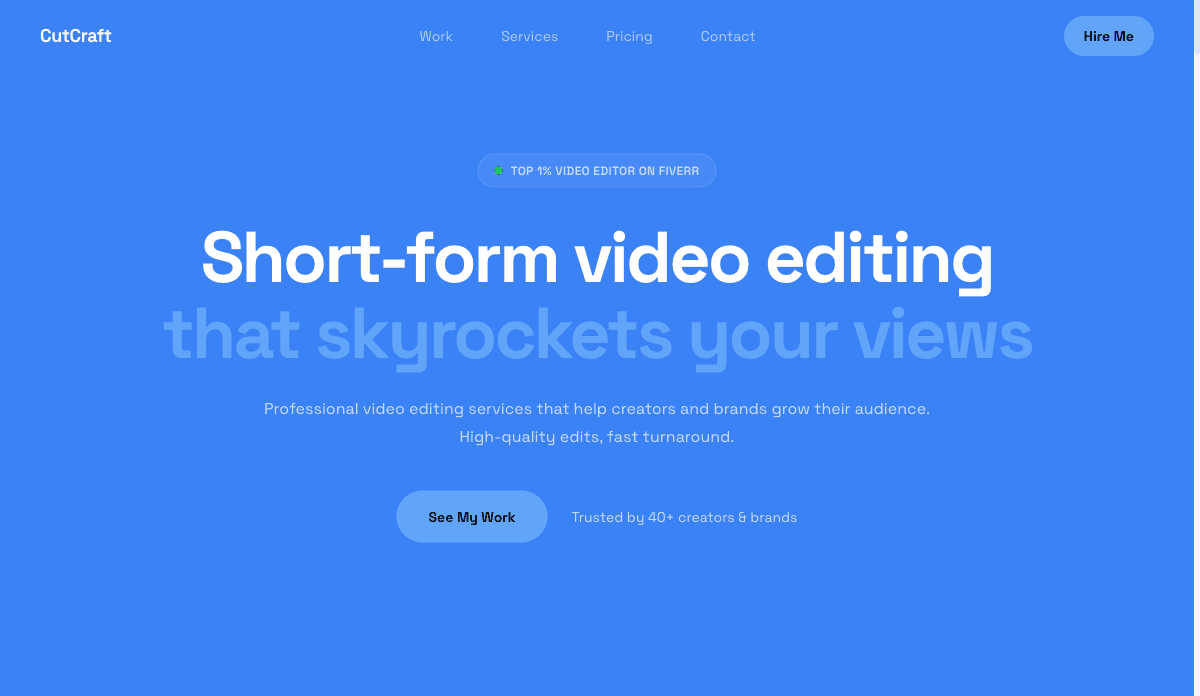
Editor
Video editor portfolio
Hero is your showreel. Cinematic by definition.
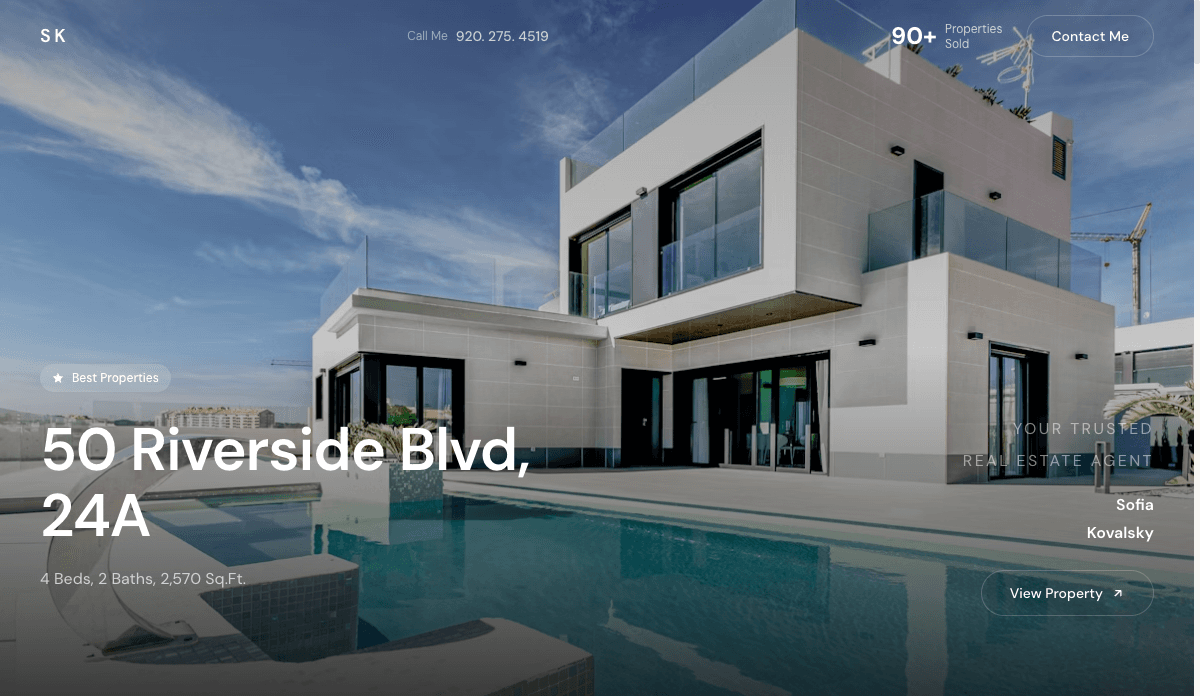
Realtor
Luxury real estate
Slow-pan property videos with full-screen hero. Luxury listings demand cinematic motion — static photos look amateur.

Pioneer
Curiosity studio
Featured Video card with glass overlay — a self-contained mini-hero in the second section, not just at the top.

Securify
Security SaaS
Subtle video accents in feature blocks rather than a single dominant hero loop. Useful for serious B2B without losing motion energy.
Performance & accessibility pitfalls
The six things that go wrong when teams ship a video hero without testing the constraints. Most of these are missing from competitor blog posts on this topic.
⚠ Mobile autoplay blocked
Without `muted` and `playsinline`, iOS Safari will refuse to autoplay or will full-screen the video. Always include both. Add `webkit-playsinline` for older iOS Safari versions.
⚠ File size kills LCP
A 12MB hero video tanks Core Web Vitals. Compress with ffmpeg CRF 23–28, target ≤ 4MB desktop, ≤ 2MB mobile, and serve a separate smaller source via `<source media>` for mobile.
⚠ Ignored prefers-reduced-motion
Vestibular disorders, motion sensitivity, low-power mode — all reasons a user might prefer no motion. Detect `prefers-reduced-motion: reduce` and swap the video for the poster image.
⚠ No poster image
Without a `poster=""` attribute, users see a black flash before the video starts loading. Always set a still frame as the poster.
⚠ Text contrast against motion
A bright video frame can wash out white text. Use a bottom-mask blur overlay or a subtle `bg-black/30` on the text area — never a full-page dark overlay (kills the cinematic effect).
⚠ Background music that autoplays
Don't. Even on muted video, never wire up an audio toggle that defaults to on. Browsers will block it and users will leave.
The fastest way to ship a cinematic landing page
1. Pick a template
Choose from SaaS Noir, Velorah, Logoisum, Targo, Cosmos, Cinematic, Mindloop, PowerAI, Editor, Realtor, Pioneer, Securify. All ship with a tested video hero pattern.
2. Drop in your MP4
Upload your hero video (≤ 4MB, 1920×1080, H.264). The template handles autoplay/muted/playsinline/poster/mask-gradient automatically.
3. Let AI write the copy
Headline, subhead, CTA copy, and feature blocks — generated from a one-paragraph brief or your resume. Edit in place.
4. Publish to your custom domain
Edge-cached hosting included. Ship in under 5 minutes.
Frequently asked questions
How do I make a cinematic landing page with a video background?
Use a muted, autoplay, looping MP4 in the hero (≤ 4MB, H.264, 1920×1080). Add `playsinline` for iOS, set a poster fallback, and apply a bottom mask-gradient to fade into the next section. The premium templates on SitesPlaced (SaaS Noir, Velorah, Cosmos, Targo) bake all of this in by default.
What file size should a hero background video be?
Aim for ≤ 4MB on desktop and ≤ 2MB on mobile. Use ffmpeg with CRF 23–28 to compress H.264. Anything heavier will tank Largest Contentful Paint (LCP) and your Core Web Vitals score.
Do video backgrounds hurt SEO and Core Web Vitals?
Not if you do it right. Compress to ≤ 4MB, lazy-load any below-the-fold video, set a proper poster image, and ensure the LCP element (your headline) loads before the video fully buffers. The premium SitesPlaced templates pass Core Web Vitals out of the box.
Will a video hero work on mobile?
Yes — with the right attributes. Use `muted autoplay loop playsinline` (all four). Without `playsinline`, iOS will full-screen the video on play. Without `muted`, autoplay is blocked. For users on `prefers-reduced-motion: reduce`, swap to the poster image.
What types of websites use cinematic video backgrounds?
Premium SaaS (SaaS Noir, PowerAI, Securify), agencies (Logoisum, Pioneer), single-product launches (Velorah, Cosmos), real estate (Realtor), streaming/media (Cinematic), newsletters (Mindloop), and industrial brands like Targo. Anywhere you need atmosphere — and not just information — at the hero.
How do I get a cinematic landing page without a videographer?
Use stock cinema-quality footage (Mixkit, Pexels Videos, Coverr — all free) or AI-generated video clips. The premium SitesPlaced templates ship with looping background videos already configured — you can launch with the demo video and swap your own in later.
Ship a cinematic landing page in 5 minutes.
All 12 templates ship with optimized looping video heroes — autoplay rules, mask-gradients, posters, and reduced-motion fallbacks all handled.